

Composer mentions
When a user types @ in the message box, DioscHub can offer a list of your entities (a customer, an
order, a document) and turn the chosen one into a reference the assistant understands. You supply the
data; DioscHub renders the popover and wires the result into the message.
Register a provider
Section titled “Register a provider”Give DioscHub a function that takes what the user typed after @ and returns the matching items:
import type { MentionItem } from '@dioschub/client';
diosc('mentionProvider', (needle: string): MentionItem[] => {  return customerIndex    .filter((c) => c.name.toLowerCase().includes(needle.toLowerCase()))    .map((c) => ({      id: c.id,        // the stable reference the assistant receives      name: c.name,    // shown in the popover and on the chip      kind: 'customer' // your category, prefixed into the reference    }));});
Pass null to remove the provider: diosc('mentionProvider', null).
What the user sees
Section titled “What the user sees”-
The user types
@custin the message box. -
DioscHub calls your provider with
"cust"and renders a popover of what you return. -
The user picks an item. It becomes a non-editable chip in the message. They can’t accidentally break the reference by editing the text.
-
On send, that chip is delivered to the assistant as a stable reference, not as display text.
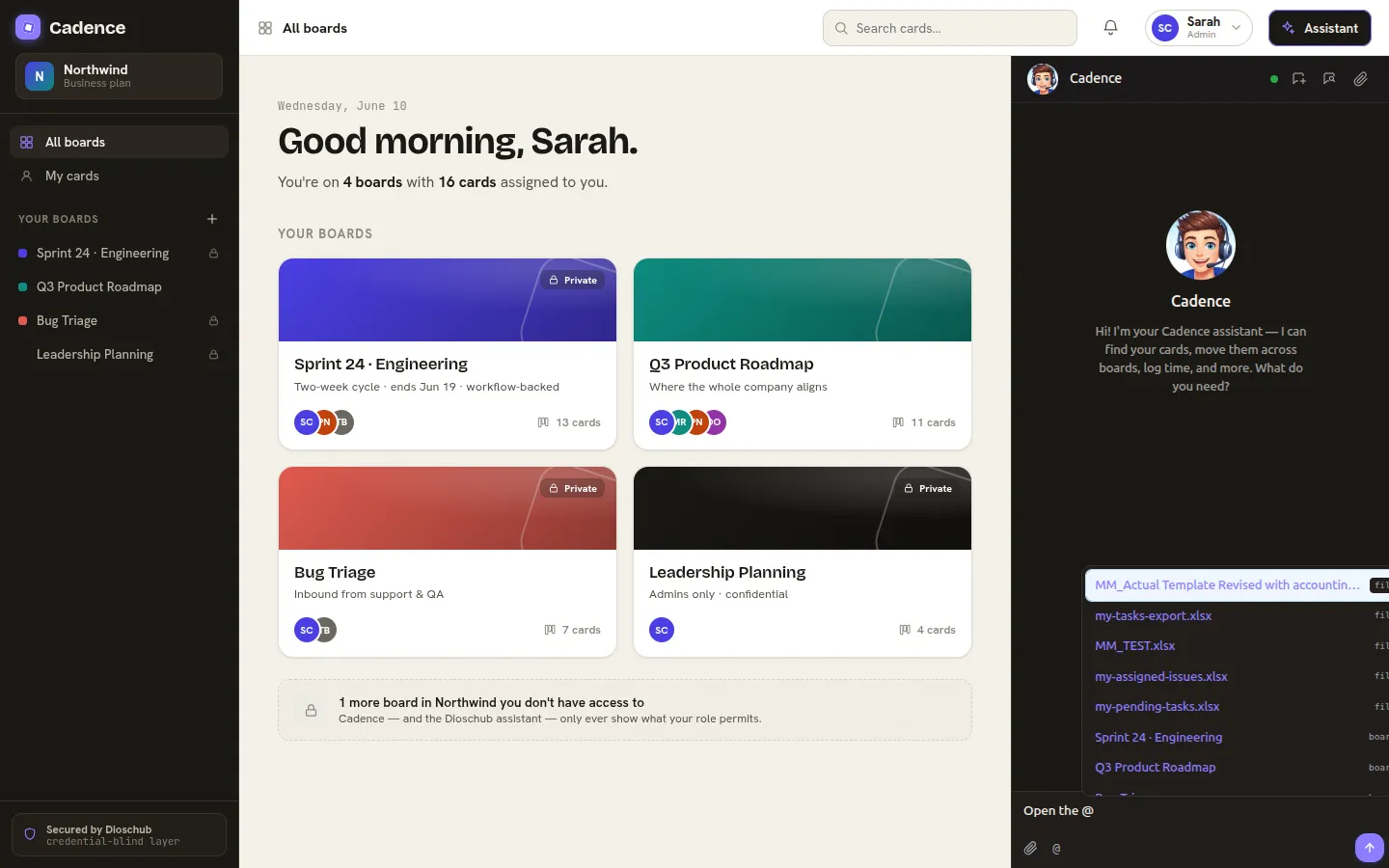
The popover after typing @. Your provider’s results appear alongside the kit’s built-in mentions (like @file:); picking one inserts a chip.
How a mention reaches the assistant
Section titled “How a mention reaches the assistant”A selected mention is serialized into the message as:
@[Display Name](kind:id)The assistant receives the id, your stable, canonical reference, tagged with its kind. The
display name is for the human; the id is what the model resolves against your tools. So a mention of
“Acme Corp” arrives as something the assistant can pass straight to get_customer, not a name it has
to guess at.
The MentionItem shape
Section titled “The MentionItem shape”| Field | Required | Purpose |
|---|---|---|
id | yes | The stable reference delivered to the assistant. Namespaced by you. |
name | yes | The label shown in the popover and on the chip. |
kind | yes | Your category for the entity; becomes the prefix in @[name](kind:id). |
Next: render the approval body your own way with a consensus view.